
Hawke's Bay
★★★★★
“Glenn is a superb technician. He knows all the issues and satisfies all of them in a calm and efficient manner. A very successful installation of Starlink for us.”
Starlink installation
Havelock North · Starlink installation
Local Starlink installation for Havelock North homes and lifestyle properties - village character builds, modern architectural homes, Te Mata Peak Road lifestyle blocks. Discreet mounting, tidy cabling that respects the look of the house, and WiFi coverage across the property, where the site allows, that supports work-from-home and modern smart-home setups.
Local installer. Real installs across Hawke's Bay.
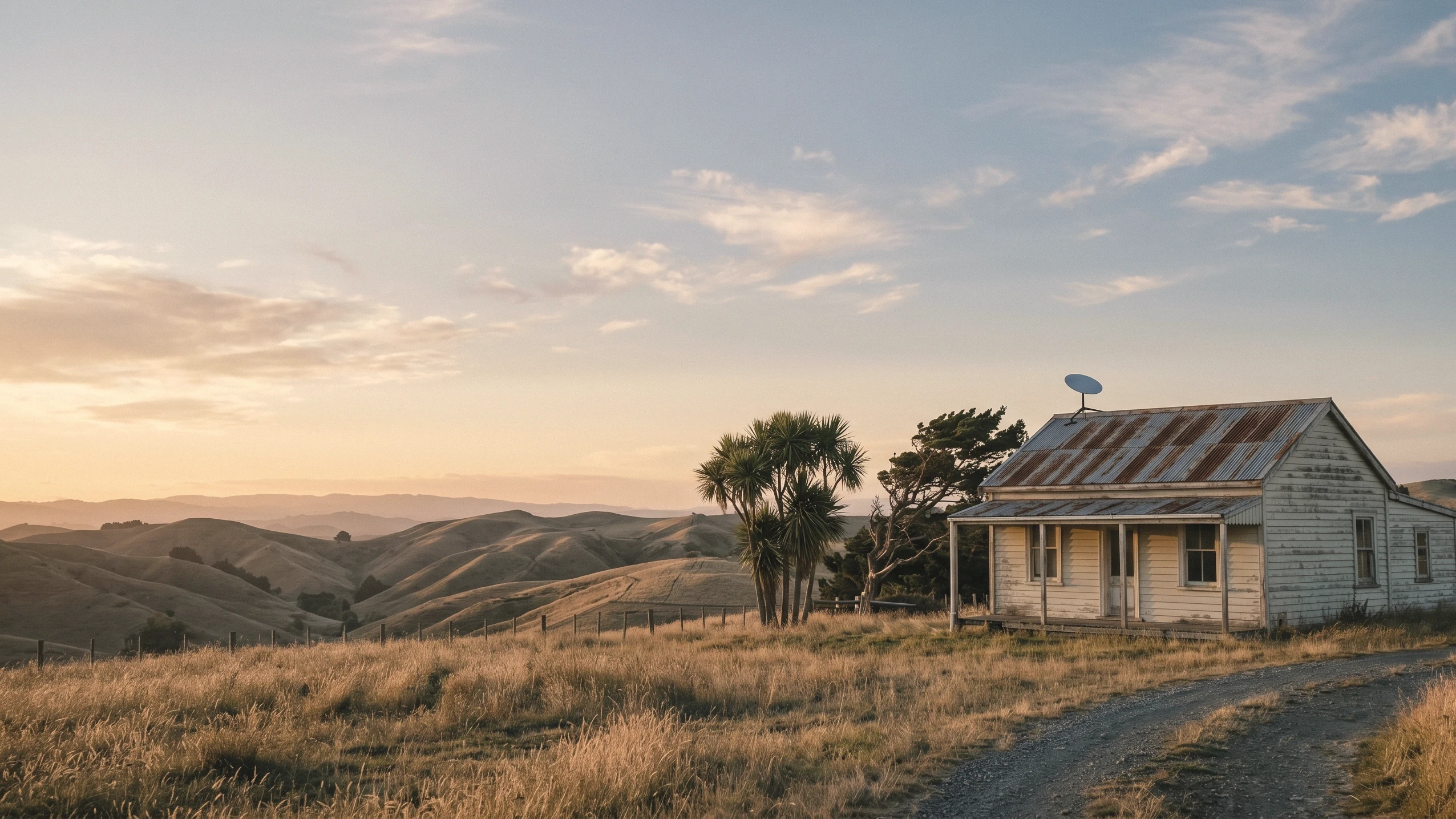
Not sure if it is Starlink, your WiFi, or the way the property is laid out causing the problem? Need Help works that out first, then sorts the right fix.
Havelock North combines older homes, modern builds and lifestyle properties, each with different mounting and WiFi challenges. Character properties can have established gardens and mature trees that throw signal shadow. Modern architectural homes often need discreet placement. Lifestyle blocks can have several outbuildings and a sleepout that all need WiFi. We look for a position that balances performance, access, cable routing and the appearance of the property.
Areas we cover in and around Havelock North:
Real properties. Real mounting. Real cable runs.
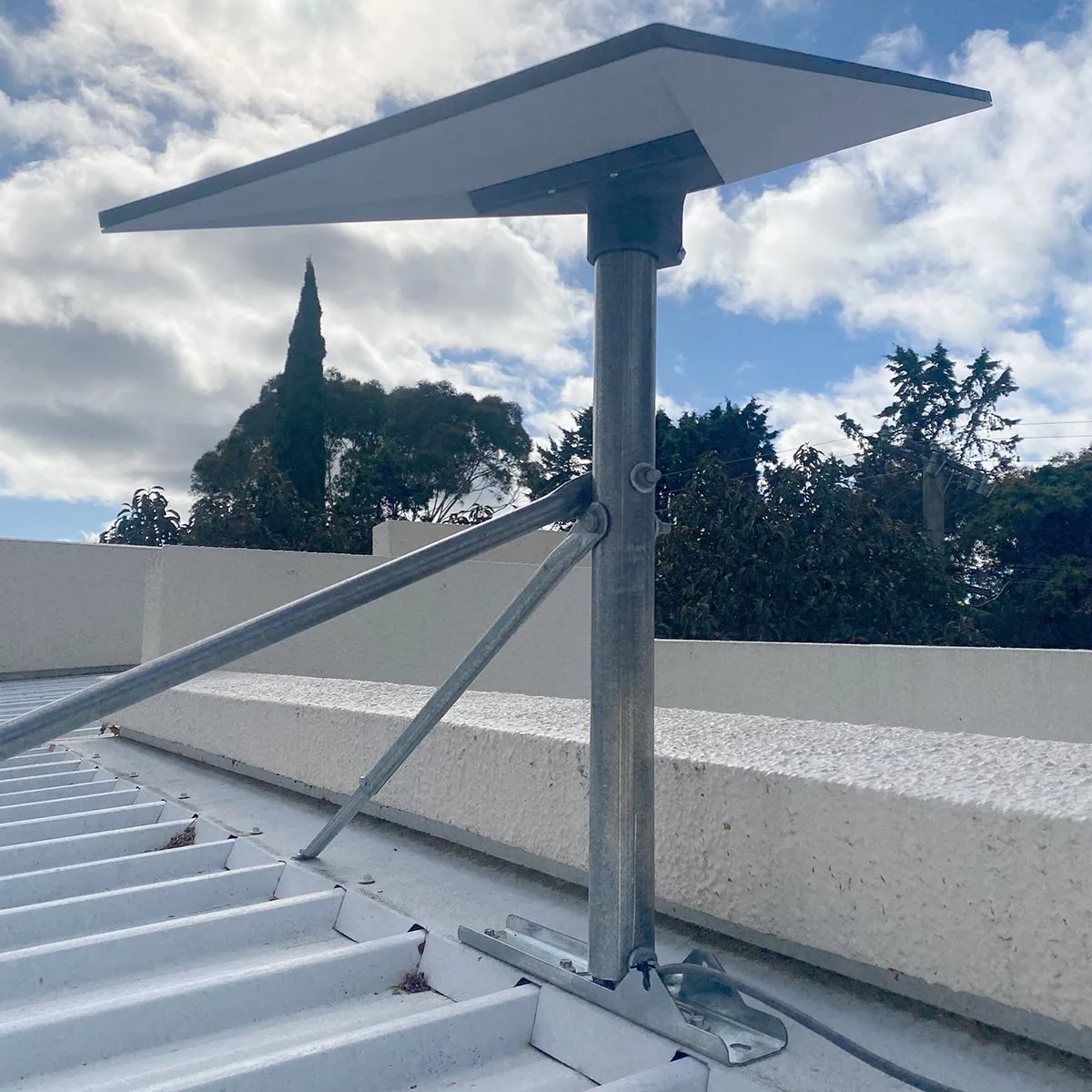 Te Mata Peak Road
 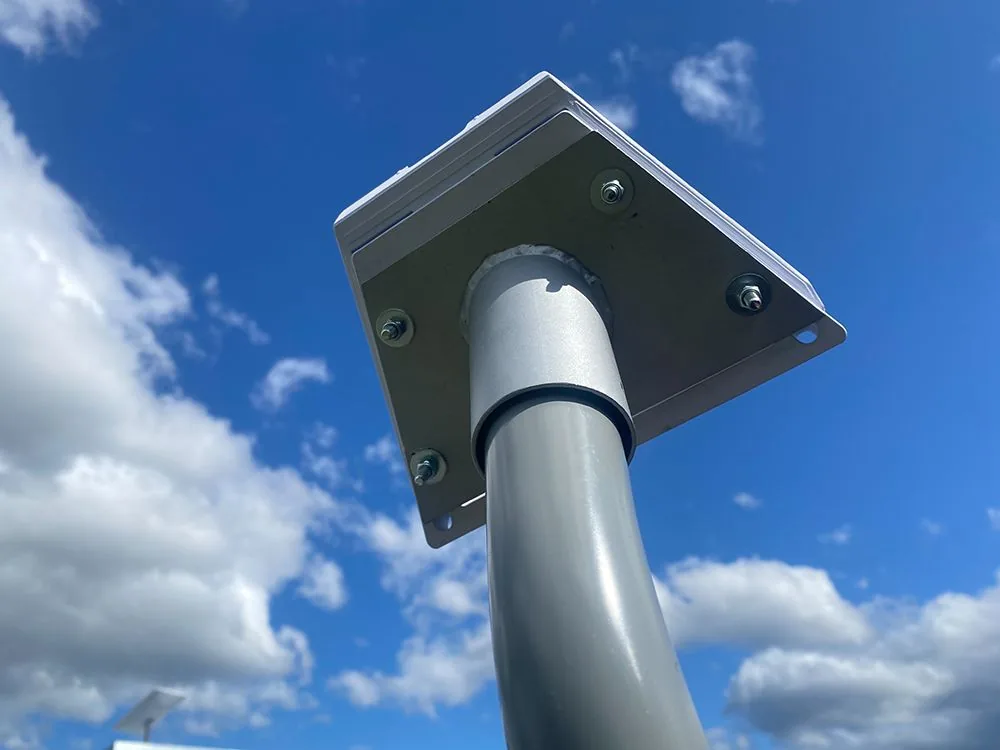 Custom roof mount for an exposed site
 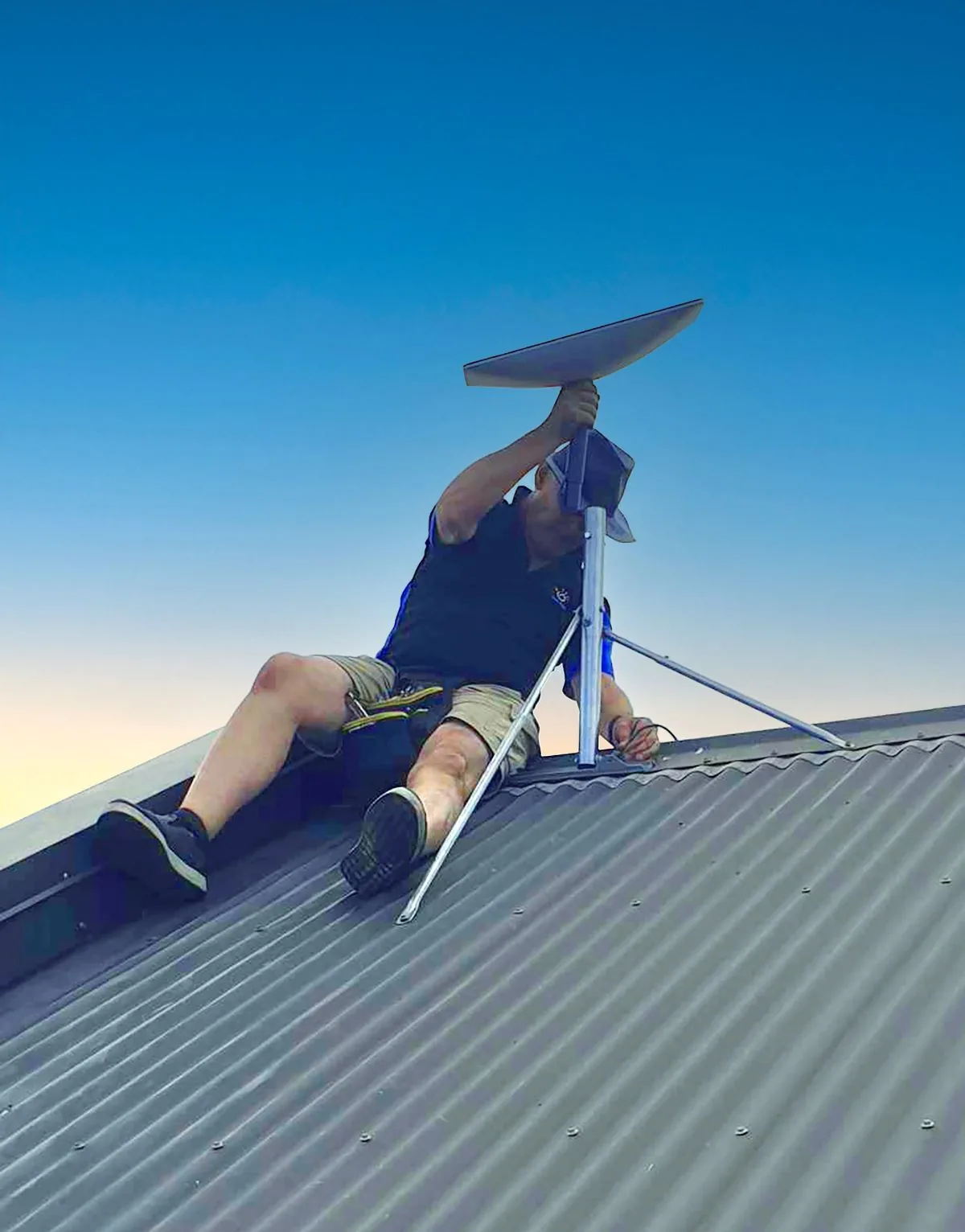 Glenn installing a Starlink panel
 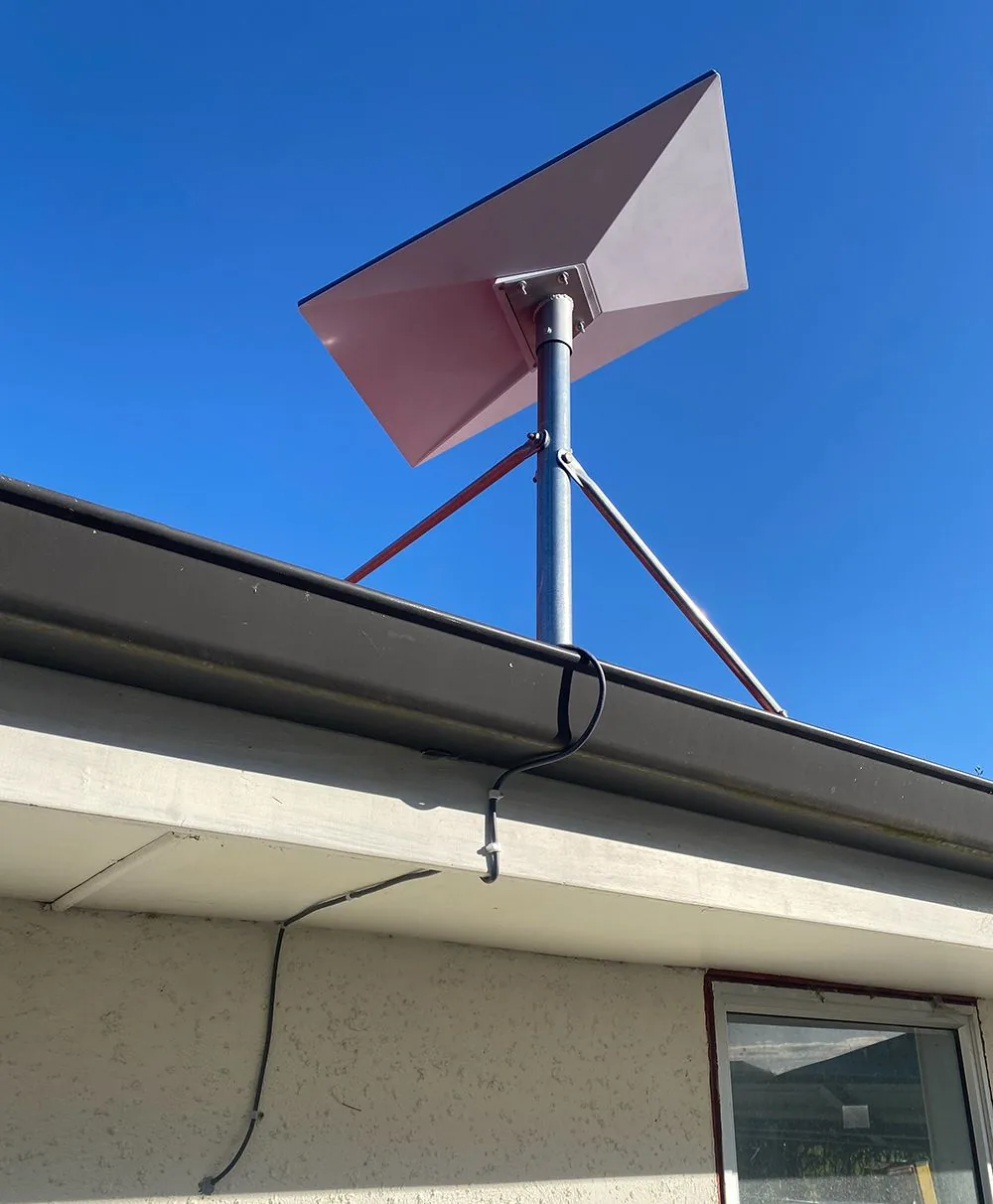 Longlands (between Hastings and Havelock)
 In Havelock North the mounting position and cable runs should suit the look of the house. We plan the install around the appearance of your property, not just the cleanest signal path.
Starlink often needs to support multiple work-from-home video calls, streaming, smart-home gear and gaming all at once. We configure mesh WiFi properly so sleepouts and outbuildings get usable, reliable coverage where the site allows, alongside the rooms that matter.
Established gardens and complex rooflines are common in the area. We consider existing trees and likely future growth when choosing the mounting position.
We look at your property, find the spot with the clearest line of sky, and plan the tidiest cable run.
The dish is mounted safely and securely, on the roof or another suitable position.
Cabling is run discreetly and neatly, protected where it needs to be.
The router is placed for the best signal through the house, and the system is brought online.
We check the connection and the WiFi coverage across the areas you actually use.
Before we leave, we show you how it works and what to do if you ever need to restart it.
“Glenn is a superb technician. He knows all the issues and satisfies all of them in a calm and efficient manner. A very successful installation of Starlink for us.”
“Perfect support and technological knowhow right in the comfort of your own home.”
“Glen provides great service and advice!”
Real reviews from Hawke's Bay customers on Google. Last updated May 2026. See all reviews on Google
Call, message, or send a quick enquiry. Tell us about your property and what isn't working. We'll help you work out the best way to get reliable internet and confirm the next step.